
Ask about the current page
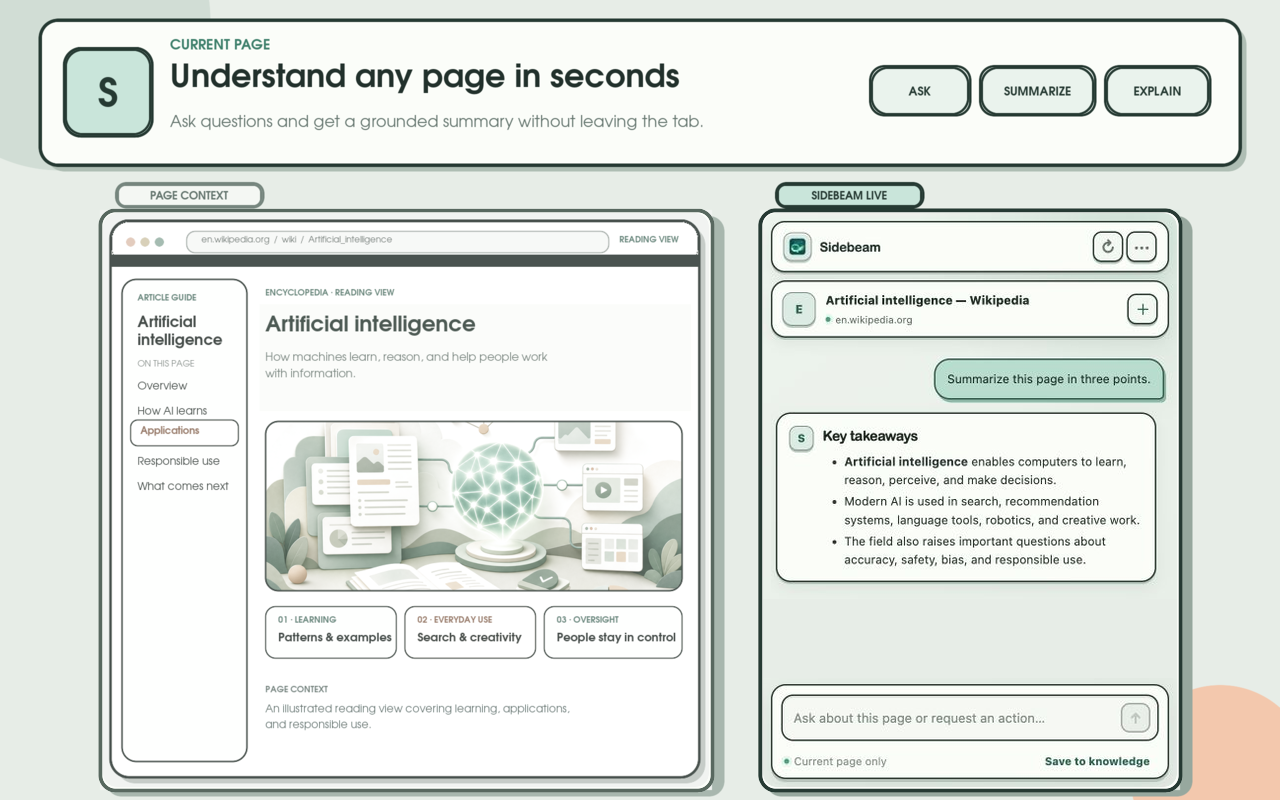
Get answers, summaries, and explanations grounded in what is open right now—not a generic reply.
Browser extension
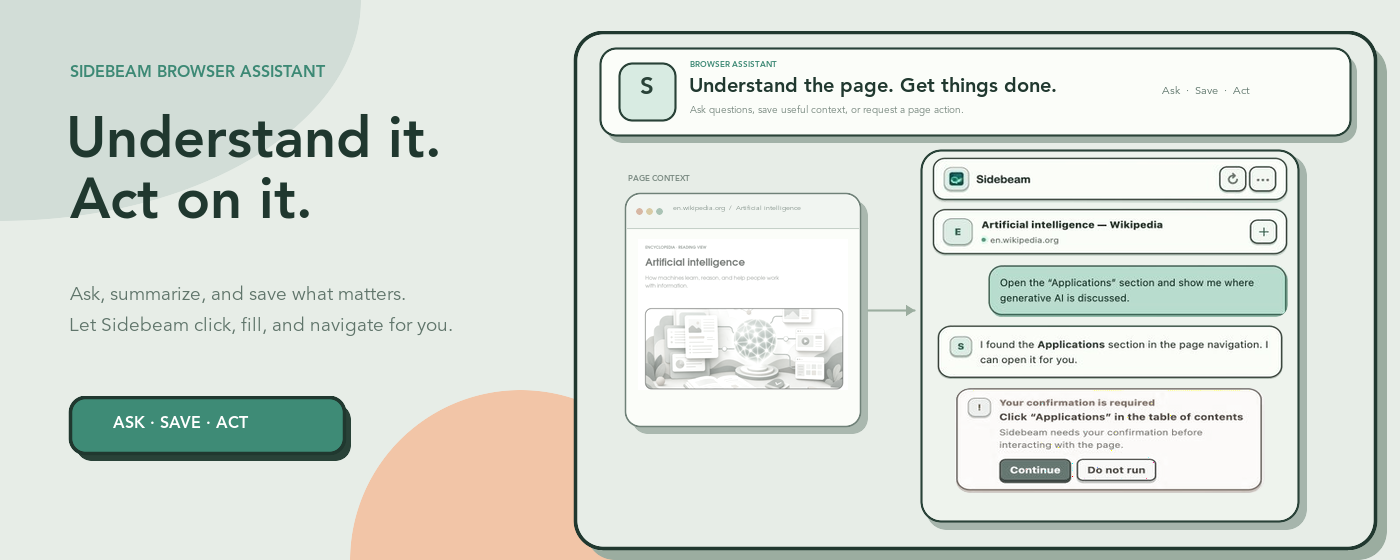
Ask about what you are reading, save useful pages, and let Sidebeam handle clicks and forms—after you approve each action.
On the page you are reading
Sidebeam works beside the page, so you do not need to copy text into another app.
Get answers, summaries, and explanations grounded in what is open right now—not a generic reply.
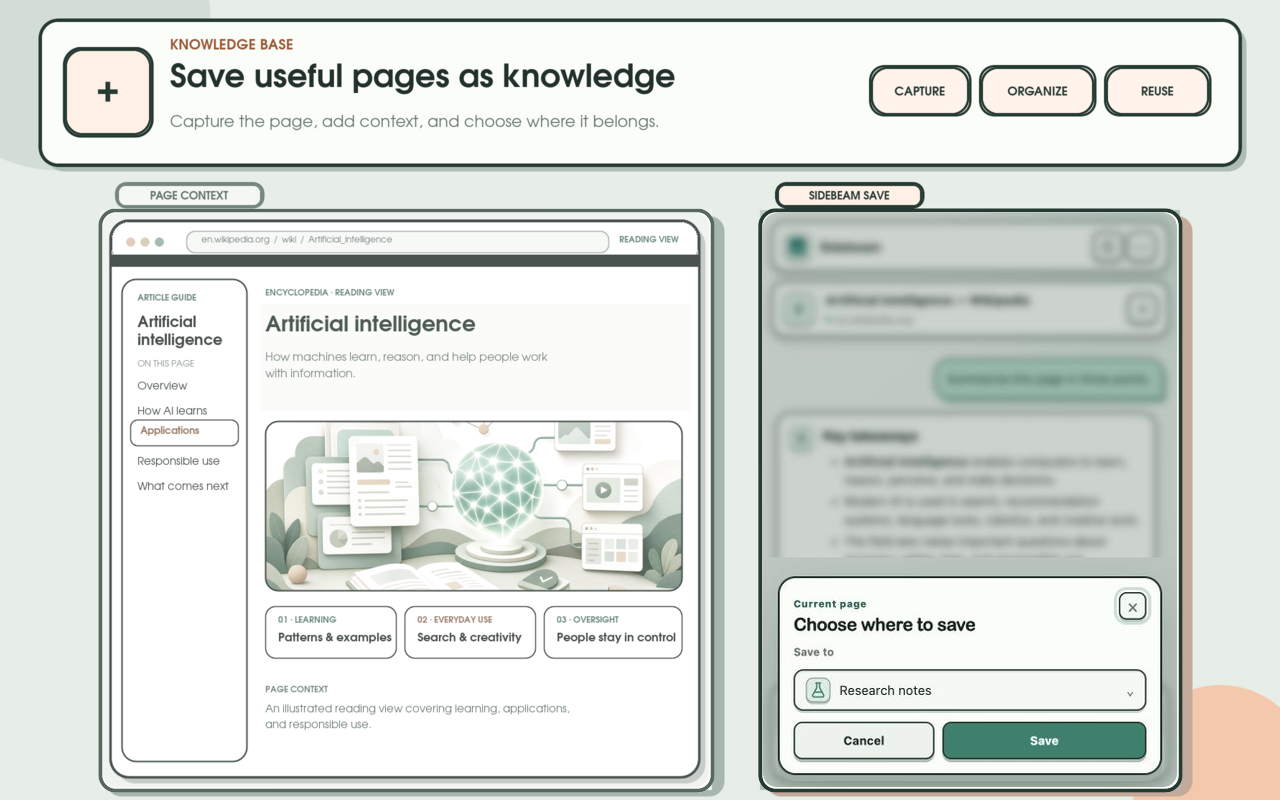
Keep articles and research in your Sidebeam knowledge base, then ask about them later with citations.
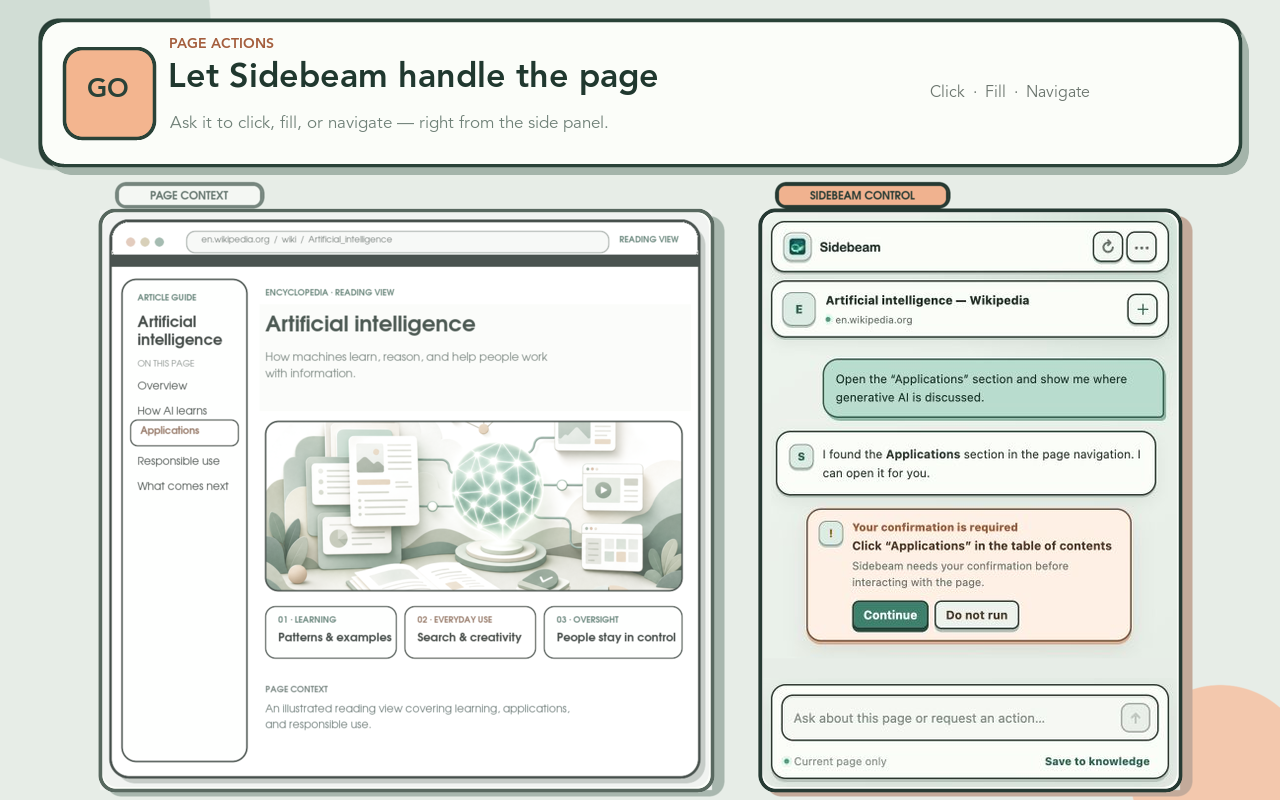
Ask Sidebeam to click, fill fields, or open the right link. You see the plan first and can decline.
Get started
Install once, open it on any page, and connect the same Sidebeam account you already use.
Add Sidebeam to Chrome. It appears as a side panel you can open anytime.
Browse as usual, then open the Sidebeam panel beside the page you care about.
Sign in once so saved pages and conversations stay with the same assistant you use on the web.
Your control
Sidebeam is built for assistance with clear permission boundaries—not silent browsing on your behalf.
Planned clicks, fills, and navigation are shown first so you can approve or decline.
Optional page access is requested for the action you chose. You can revoke it in Chrome anytime.
Sidebeam does not read Chrome browsing history. Site cookies are used only when fetching or saving something that needs you to be signed in on that page.
Connect once and keep knowledge, chats, and preferences with your Sidebeam account.
Install
Free to install. Use it with your Sidebeam account for ask, save, and approved page actions.
After installing, open the extension and connect your account to get started.
Ready when you are